What it costs
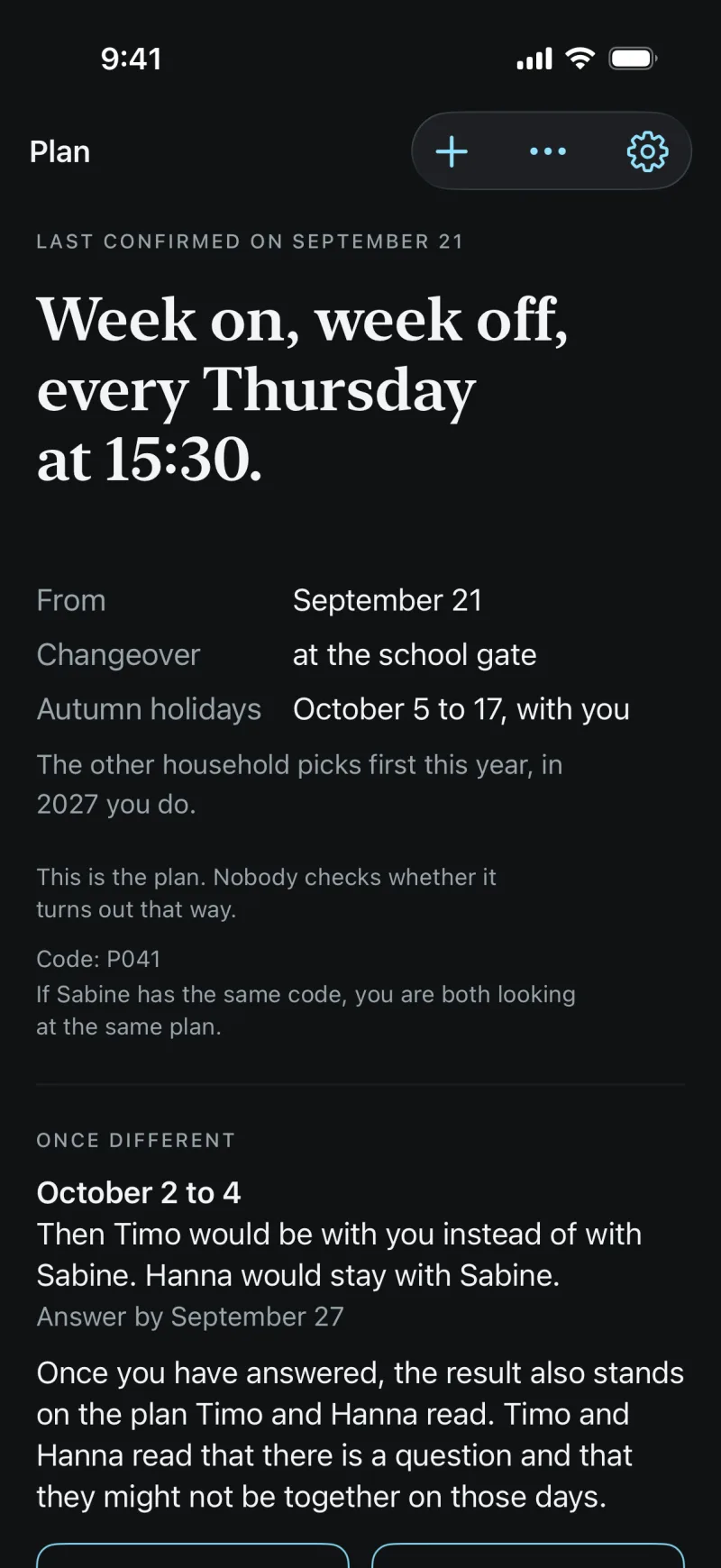
What the two of you need day to day costs nothing. School, the sheet and importing events belong to the family unlock, one purchase for the whole family.
Free and family unlock side by side
| Feature | Free | Family unlock |
|---|---|---|
| Care plan for both homes | included | included |
| Questions with a reply-by date, notices | included | included |
| The plan in your calendar | included | included |
| Bring in school holidays | included | included |
| School, class, state for each child | included | included |
| The child’s view | included | included |
| Pick-up permissions, emergency number, health note | included | included |
| Reading everything that is entered | included | included |
| Keep the timetable | not included | included |
| Enter tests and study sessions | not included | included |
| Store report cards | not included | included |
| The sheet for the plan as a PDF | not included | included |
| Bring in events from your calendar | not included | included |
CoParity Familie
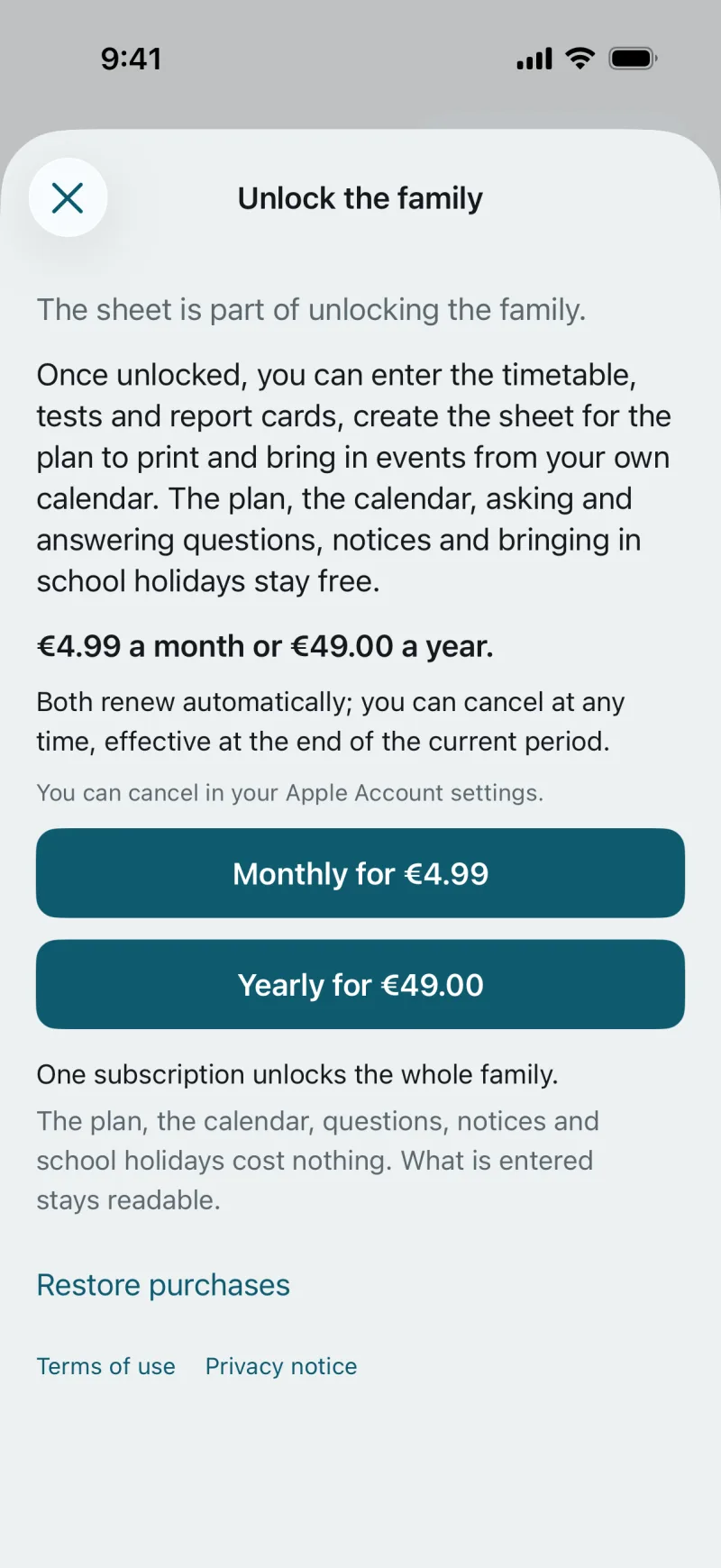
€4.99 a month
or €49.00 a year
One subscription unlocks the whole family, on every device.
The purchase goes through the App Store on the iPhone. Both terms renew automatically; you can cancel at any time in your Apple Account settings, effective at the end of the current period.
Price for Germany and Austria. Elsewhere, the price is the one the App Store shows before you buy.
What holds
What is entered stays readable.
When the unlock ends, everything you entered stays readable for both of you. Only entering school data, the sheet and importing events pause.
Nobody sees who pays.
The unlock covers the family. The other home does not see who bought it, and paying buys no visibility.
No trial period.
What is free stays free. You can work without the unlock for as long as you like.
Questions about the price
Where do I buy the family unlock?
In the app on the iPhone, through the App Store, on the “Unlock the family” page. “See unlock options” takes you there wherever a feature is part of the unlock. On Android and in the browser the unlock then applies too; nothing is sold there.
How do I cancel?
In your Apple Account settings under “Subscriptions”. The unlock keeps running until the end of the period you’ve paid for.
What about the other household if I pay?
The other household has the same unlock without paying and does not see who paid.
You can start on your own.
The plan sits in your calendar even if the other household only joins later. Whoever joins by invitation sees the same plan.
An account is created in the app. In the browser you sign in with it.