Every feature
What CoParity does, area by area. Everything here is built and runs against the same state for both homes.
The care plan
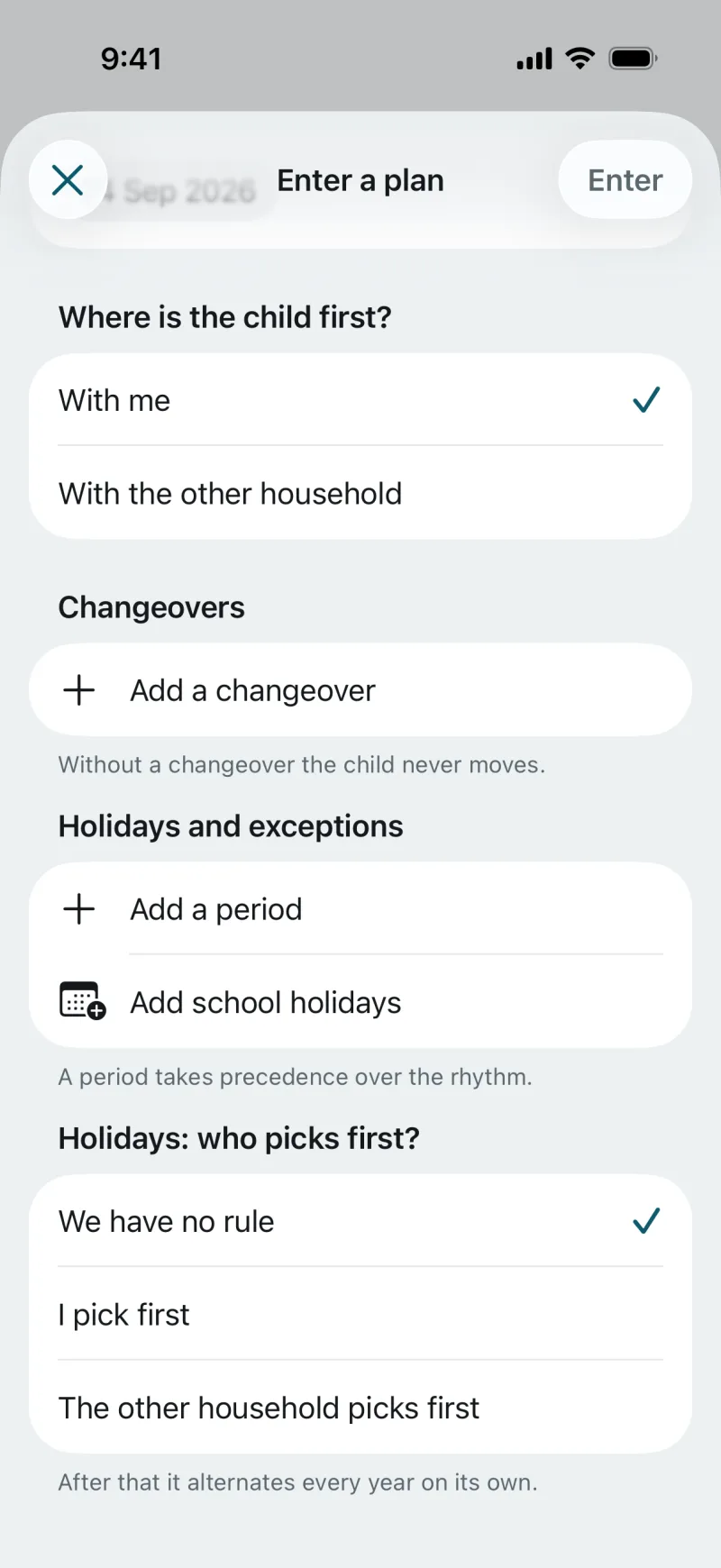
- A rhythm of alternating weeks: week on, week off, 2-2-3 and other patterns.
- Changeover days with time and place, for example Thursday, 15:30, at the school gate.
- Holidays and exceptions as periods, with the rule of who chooses first in which year.
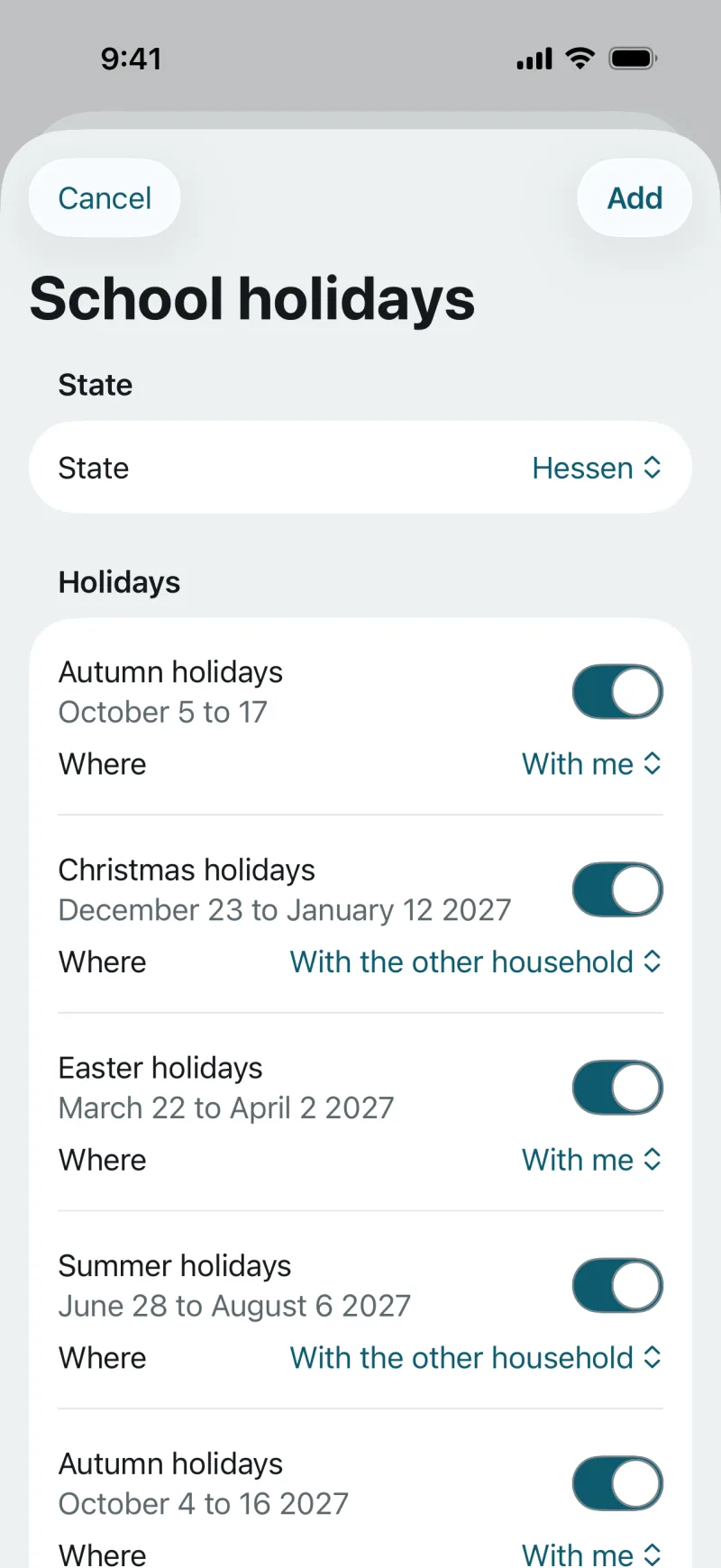
- Bring in the school holidays of your German state, all 16 of them, and choose “with me”, “at the other home” or “half and half” for each break.
- Both parents confirm the plan. Until then it shows as entered, after that as agreed.
- Start on your own: the plan holds for you, and Sabine joins by invitation.
Changes
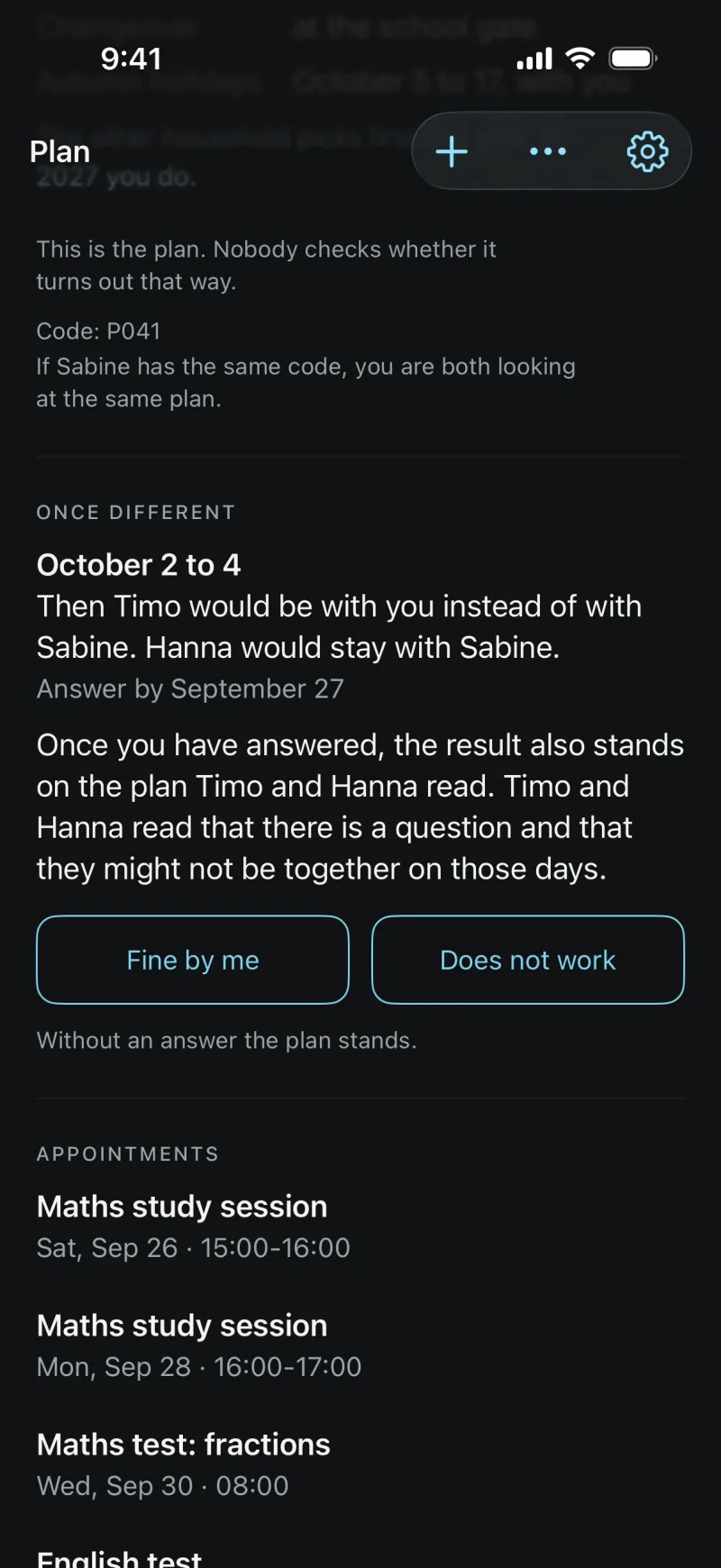
- You propose a change as a question with a reply-by date, for example to Sabine: “October 2 to 4: Timo would be with you.”
- A question needs at least 48 hours’ notice; the app sets the reply-by time. For something short-notice on the same day there is “Give a time”.
- The answer is “Fine by me” or “Does not work”. No reason needed for a no.
- Without an answer by the date, the plan stands.
- “Give a time”: a different time for one changeover on the same day, the reason optional. Sabine gets a notification; in the app it is gone at the end of the day, your calendar keeps the time you gave.
- The other household sees it right in the plan: “Sabine gave notice of 17:20.” There is nothing to reply to.
- Push notifications if you want them. A notification never names a person, a day or a content.



School
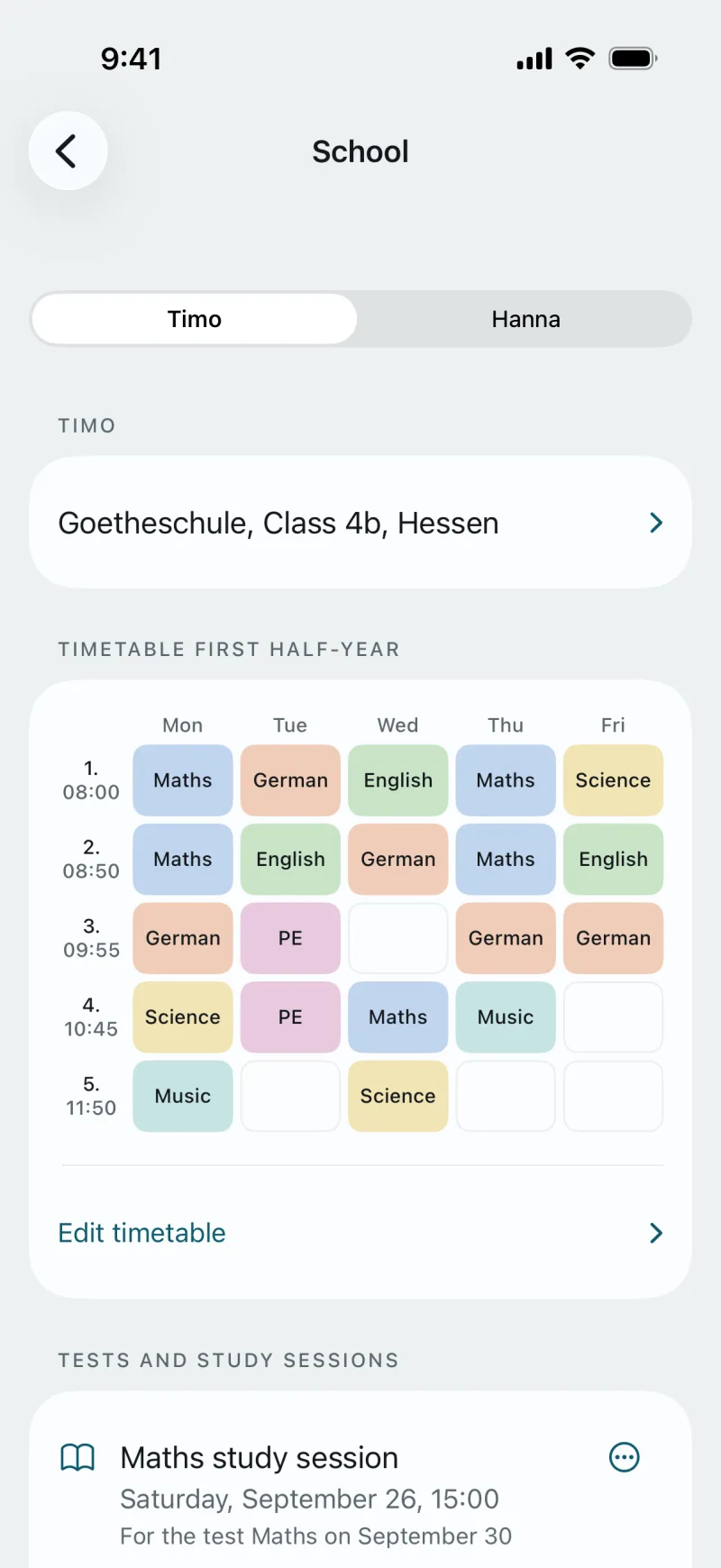
- School, class and state for each child.
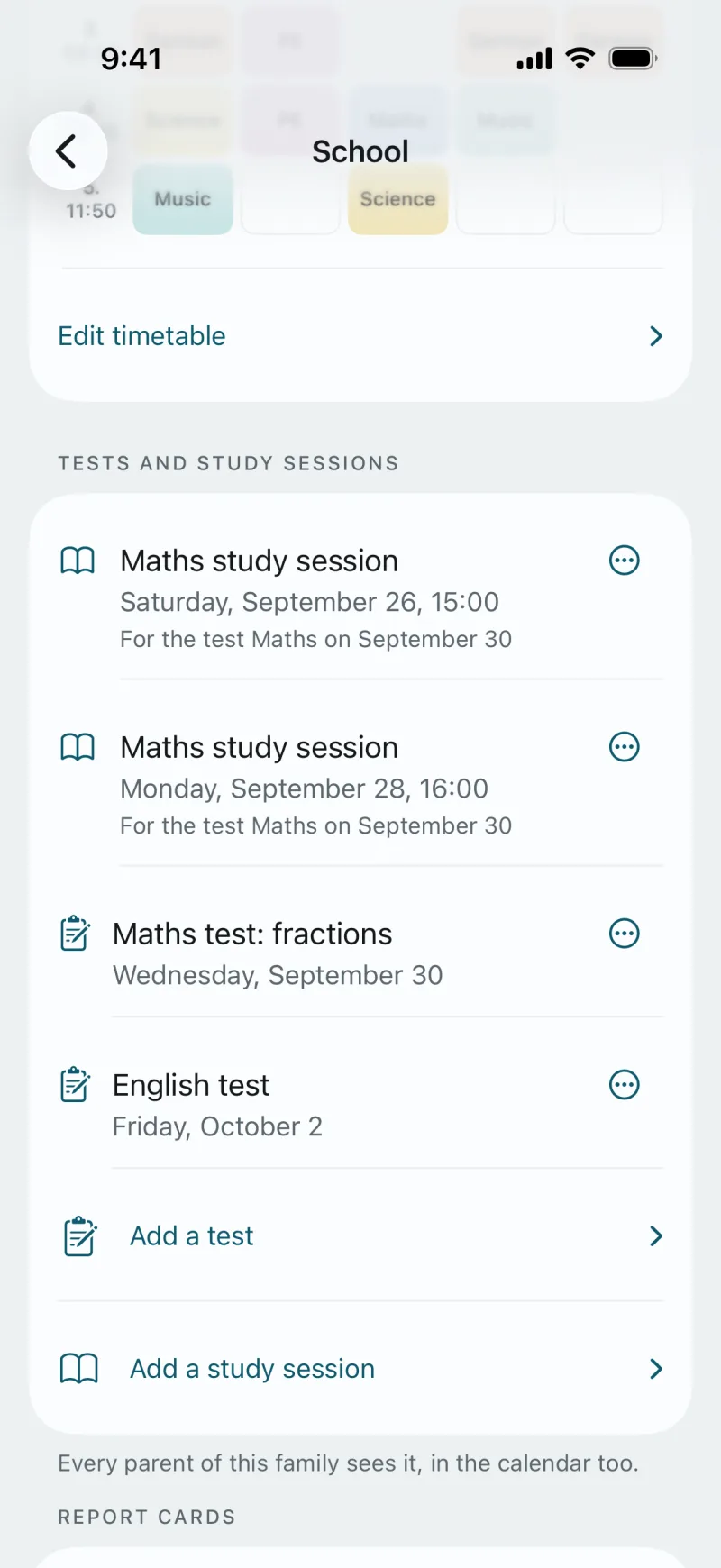
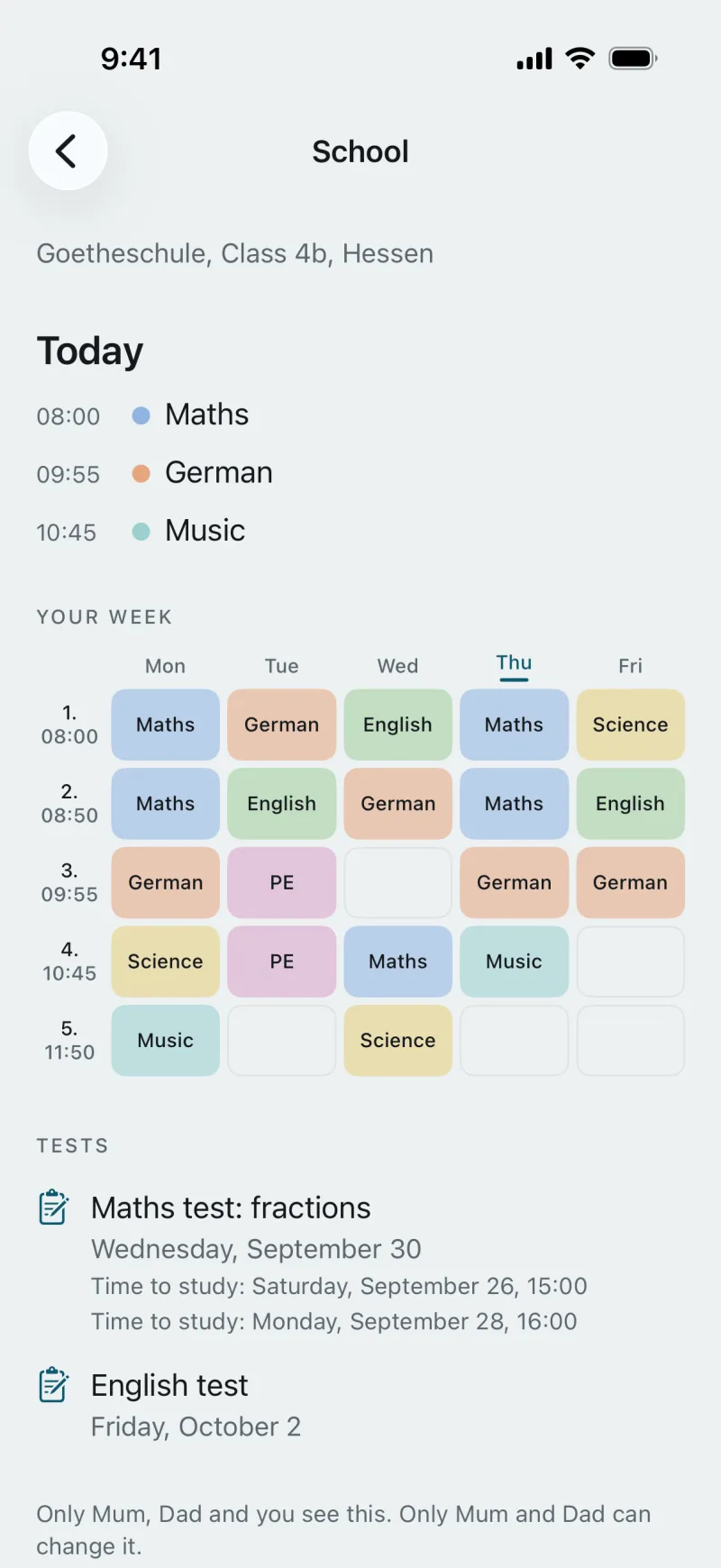
- A timetable for each term with subject colours, editable; lesson times carry over from the previous term.
- Tests and study sessions as the child’s appointments, visible in both homes and in the calendar.
- Report cards as encrypted scans, with a release of its own for each parent. Every parent of the family sees them, the child does not; the app reads nothing from them.
- A print view of the timetable in the browser.
Calendar
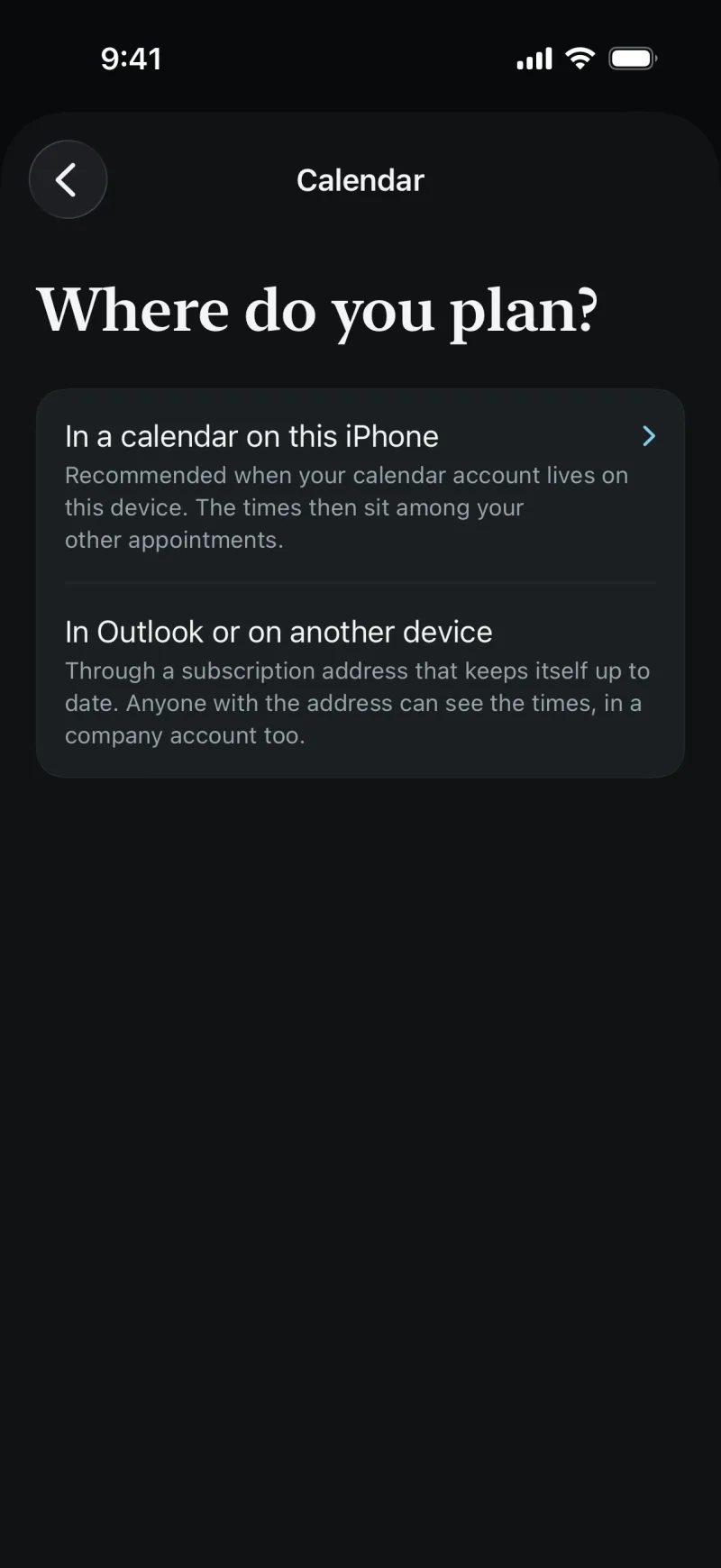
- The plan writes itself into your own calendar: directly on the iPhone, or as a subscription for Outlook, Google and other devices.
- The children’s appointments (doctor, sports, tests) sit in the plan and in the calendar; where needed, with Sabine’s agreement.
- Bring in events from your own calendar (family unlock).
- Unless you choose otherwise, no appointment titles and no places appear in the calendar.
The kids
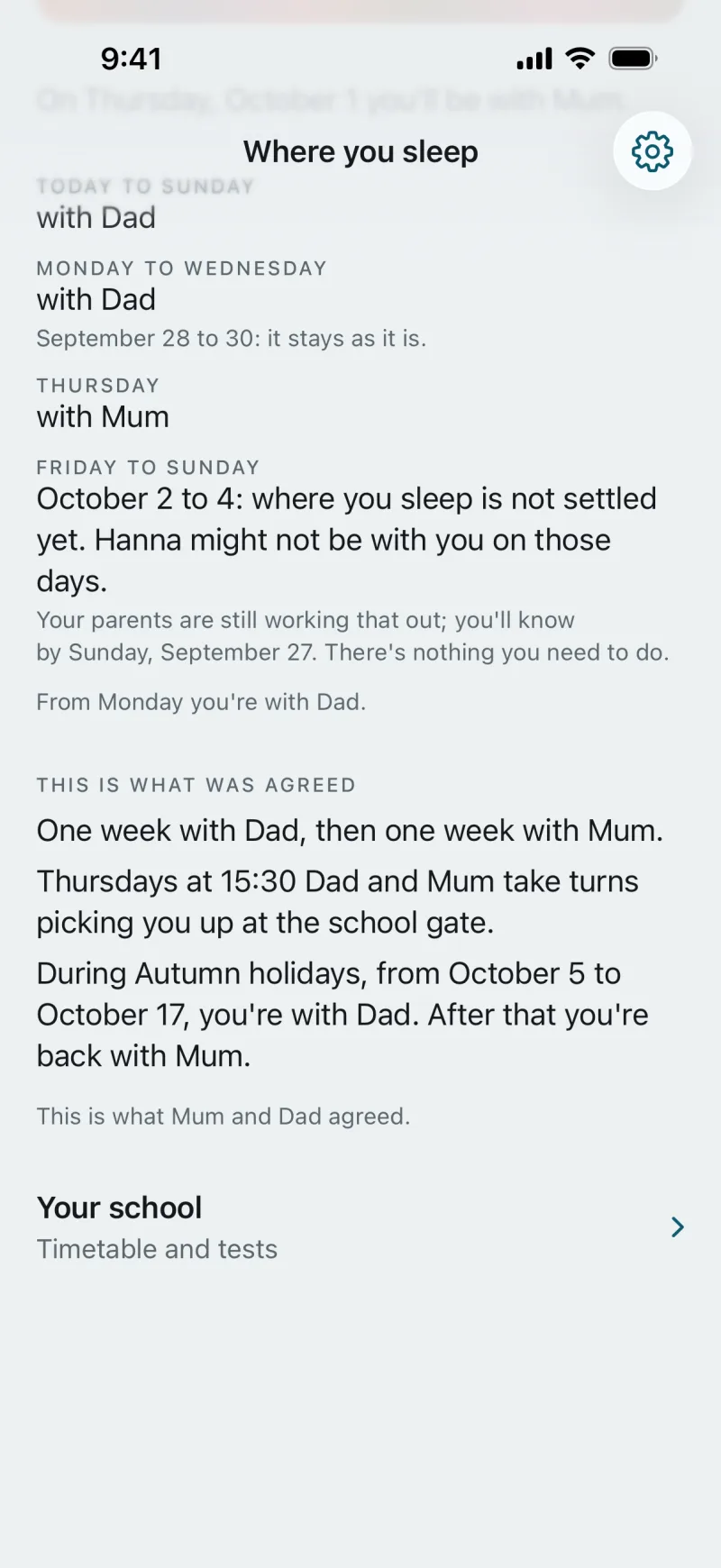
- A child with an account of its own sees “Where you sleep”: the sentence for tonight, the next days in blocks, “This is what was agreed” and “Your school” with timetable and tests, read-only.
- When something is still being worked out, it reads “where you sleep is not settled yet” and “There’s nothing you need to do.” The negotiation itself the child does not see.
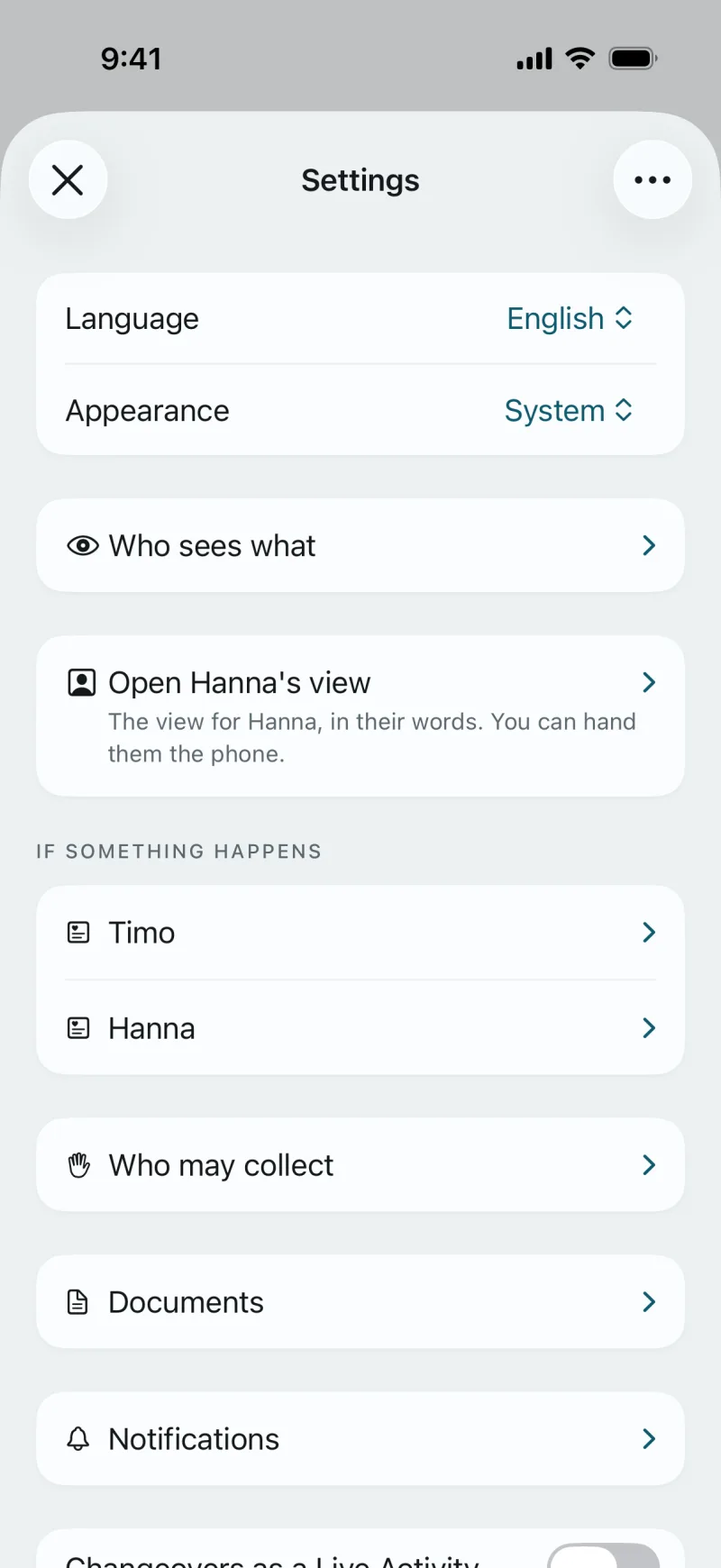
- For a child without an account, you open its view in Settings on your phone: the sentence of the day, a timeline and “Emergency 112”.
- A child gets an account only when both parents agree, with a text the child can read itself.
- No grades, no counting. What a child sees, you both see just the same.
Everyday and safety
- “Who may collect”: the people who may pick up a child, with a pick-up sheet for school and after-school care.
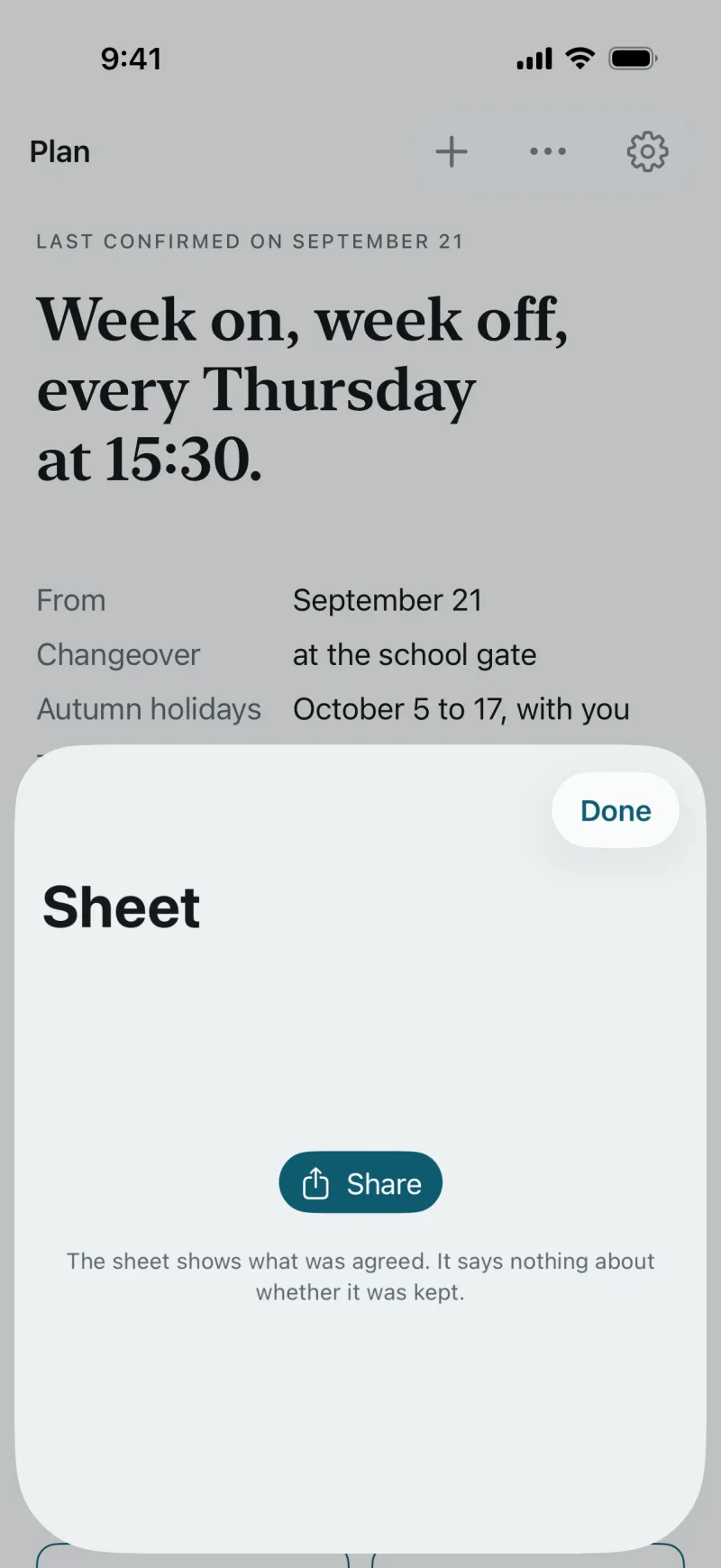
- The sheet: the plan as a PDF for school, after-school care and grandparents, with the family unlock.
- Documents, shared encrypted.
- “If something happens” for each child: allergies, medication, the emergency number.
- Widgets and a Live Activity on the iPhone on changeover day.
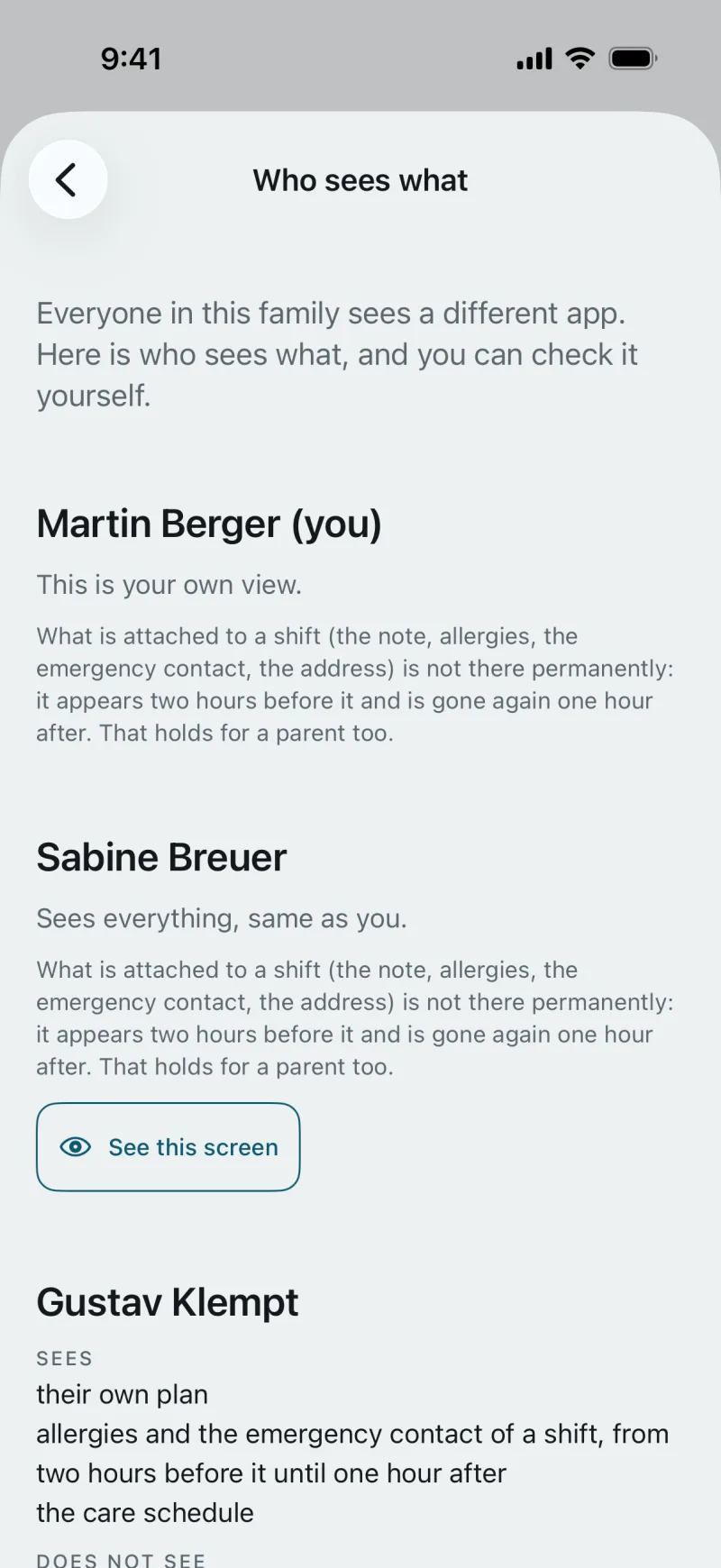
- “Who sees what”: everyone in this family sees a different app. It lists what each person sees, carers and grandparents included.
What works where
All three devices work against the same state. Whatever is limited to one of them today is listed here.
| Feature | iPhone | Android | Browser |
|---|---|---|---|
| Create an account | yes | yes | no |
| Accept an invitation | yes | yes | no |
| Read the plan | yes | yes | yes |
| Set up and change the plan | yes | no | no |
| Confirm the plan | yes | yes | no |
| Propose a change | yes | yes | no |
| Answer a change | yes | yes | yes |
| Give a time | yes | yes | no |
| Bring in school holidays | yes | no | no |
| Read the timetable | yes | yes | yes |
| Keep the timetable | yes | no | yes |
| Enter tests and study sessions | yes | yes | yes |
| Print the timetable | no | no | yes |
| Store report cards and documents | yes | no | no |
| Calendar: own calendar or subscription | yes | yes | no |
| The child’s view | yes | no | no |
| Widgets and Live Activity | yes | no | no |
| Buy the family unlock | yes | covered | covered |
The Android column shows the finished app that is to follow on Google Play; there is no date yet. A purchase on the iPhone covers the whole family, on every device.
You can start on your own.
The plan sits in your calendar even if the other household only joins later. Whoever joins by invitation sees the same plan.
An account is created in the app. In the browser you sign in with it.